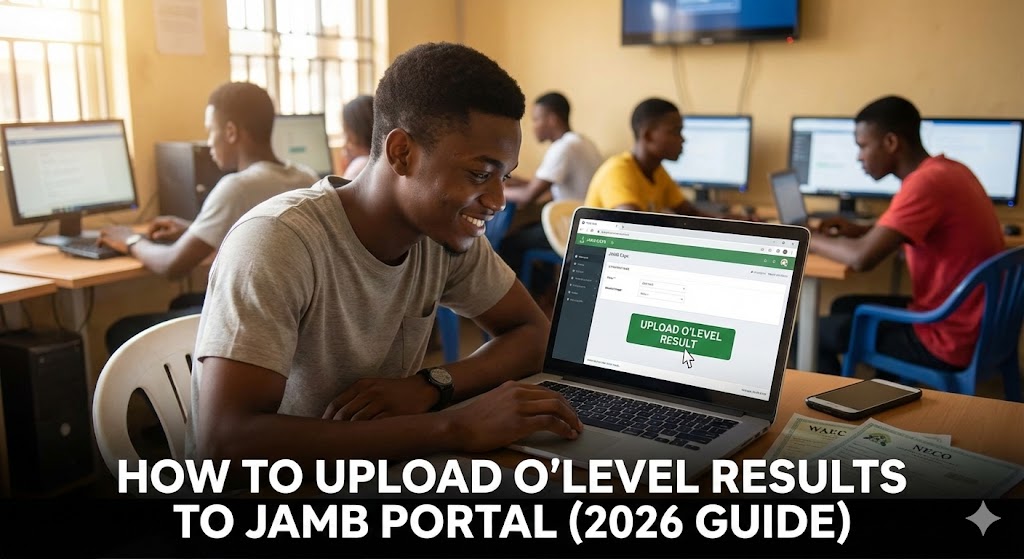
How to Upload O’Level Results to JAMB Portal (Fast & Easy Guide 2026)
You have smashed the UTME score. You are getting ready for Post-UTME. But there is one massive roadblock standing between you and that admission letter right now: your WAEC or NECO results might not be on the JAMB portal yet.
Listen to me closely. If your O’Level results are not uploaded to JAMB CAPS, no university in Nigeria can admit you. It doesn’t matter if you scored 350 in UTME. The Central Admission Processing System (CAPS) will automatically screen you out.
If you used “Awaiting Result” (AR) during registration, this is urgent for you. Today, I’m going to explain exactly how to upload O’Level results to JAMB portal so you can secure your spot and stop panicking.

The Hard Truth: Can I Do It Myself on My Phone?
Let’s bust the biggest myth out there right now.
You might have seen blogs or TikToks claiming you can upload your results yourself from your phone while lying on your bed. They are lying to you.
Here is the reality: The JAMB portal is locked to prevent fraud. As a candidate, you do not have the access rights to edit your O’Level grades on the portal.
You must go to an accredited JAMB Computer Based Test (CBT) centre. Don’t waste your data trying to find a “hack” or a direct link. It doesn’t exist. Any cyber cafe claiming they can do it without being an accredited centre is likely taking your money for nothing.
Step-by-Step: How to Upload O’Level Results to JAMB Portal
Since we have established you need a CBT centre, here is the practical, no-nonsense process. It’s actually quite fast once you get there.
1. Gather Your Documents
Don’t just show up empty-handed. You need proof of your grades.
-
Take the original copy of your WAEC, NECO, or NABTEB result. If you don’t have the original yet, a very clear, colored printout usually works.
-
You will also need your JAMB profile code and registration number handy.
2. Find an Accredited CBT Centre
Don’t just go to the random business centre down the street. It must be official. You can find the list of accredited centres nearby on the official JAMB website.
3. The Upload Process
When you get to the centre, tell the operator you are there for “O’Level result upload.” They will log into the official JAMB portal using their administrator access.
You will hand over your result, and they will enter the grades subject by subject on your profile. Some advanced centres might scan the document, but usually, it’s manual entry.
4. Pay the Service Charge
Nothing is free in Naija. There is usually a regulated service fee for this. It’s typically around N500 to N1,000, depending on the center. Pay up, and make sure you watch them as they enter the grades to avoid mistakes.
How to Confirm Your Results Are on JAMB CAPS
You’ve left the CBT center. How do you know they actually did the job? Don’t just take their word for it. You must verify it yourself on CAPS.
This is the most crucial step. If you skip this, you might still lose admission.
-
Log in to your JAMB e-Facility profile on a browser (Chrome is best; use “desktop mode” if you’re on mobile).
-
Look for the button that says “Check Admission Status” and click it.
-
Click on “Access my CAPS.”
-
On the left-hand menu, click on “My O’Level Result.”
The Verdict: If you see your subjects and grades listed clearly, congratulations. You are safe.
If the page is blank, or it still says “Awaiting Result,” go back to that CBT center immediately. They didn’t finish the job.
FAQs and Common Mistakes to Avoid
Is there a deadline for uploading results? JAMB doesn’t usually set a single, fixed deadline date for everyone. However, the real deadline is your school of choice’s admission screening exercise.
If UNILAG or OAU starts processing admissions and your CAPS profile is empty, they will skip you and move to the next person. My advice? Don’t procrastinate. Do it as soon as you have your results. Keep an eye on reputable education news sources like The Punch education section for updates on university screening timelines.
Can I combine two sittings? Yes, you absolutely can. Many students combine WAEC and NECO to make up their five credits.
If you are combining results, you need to take both certificates to the CBT centre. Tell the operator you are using two sittings. They know how to upload O’Level results to JAMB portal by merging both certificates on your profile.