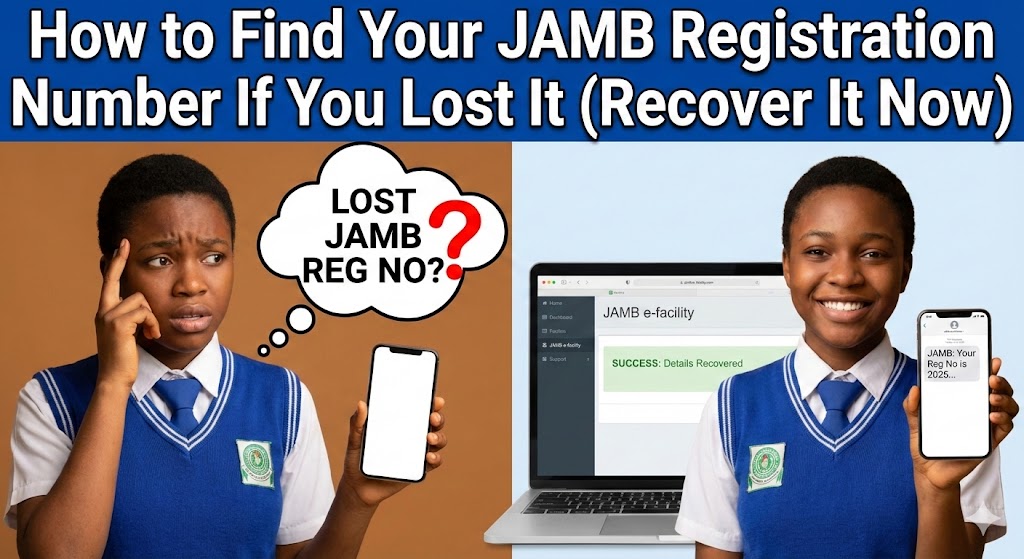
How to Find Your JAMB Registration Number If You Lost It
Imagine this: The admission lists are finally out. Your friends are screaming with joy, checking their names on the portal. You rush to check yours, reach into your file, and… nothing. The slip is gone. Your mind goes blank.
Your heart starts beating fast. We’ve all been there. It is a terrible feeling, staring at a blank screen or an empty file folder, wondering if your village people have finally succeeded.
But relax. Take a deep breath. It’s not the end of the world, and you certainly don’t need to register all over again.
If you are frantically searching for how to find your JAMB registration number if you lost it, I’ve got you covered. As someone who has helped countless students navigate the chaotic waters of Nigerian admissions, I know the exact steps you need to take. Forget the rumors; here are the methods that actually work.

1. The SMS Retrieval Method (Fastest Way)
This is the easiest fix. You don’t need internet data, and you don’t need a cybercafe. Most students forget that their phone number is powerful.
When you registered for JAMB, you used a unique phone number. That SIM card is your lifeline right now.
Here is what to do:
-
Open the messaging app on your phone.
-
Type the word UTMEREG (all caps).
-
Send it to 55019 or 66019.
Wait for a few seconds. You should receive a text message containing your full name and your JAMB Registration Number.
Important Warning: You need to have airtime on your phone. It usually costs N50. If you have N0.00 balance, the message won’t go through, and you’ll just be panicking for nothing. Also, ensure you use the exact SIM you used during registration. Using your mummy’s phone won’t work here.
2. Check Your JAMB E-Facility Portal
Maybe you lost the SIM card, or the network is just acting up (typical Naija network). The next best place to look is the JAMB portal.
If you have ever logged into the system to check your result or upload your O’Level, your details are saved there.
-
Go to the official JAMB E-Facility login page.
-
Enter the email address and password you created.
-
Once you dashboard loads, look at the very top of the page. Your Registration Number is usually displayed clearly along with your photo.
This method is reliable because it gives you access to print your result slip again if you need a hard copy. Once you’re in, you can also check other vital details, like whether you meet the criteria for the list of universities that accept 140 cut off mark.
3. Dig Through Your Email Inbox
Let’s be honest, most of us only check our email when we want to reset a Facebook password. But your email holds the key.
When you bought your form or created your profile, JAMB sent you several notifications.
-
Open your Gmail or Yahoo mail app.
-
Click the search bar.
-
Type keywords like “JAMB,” “Profile Code,” or “Payment.”
Look for the very first email JAMB sent you. Often, the registration number is attached to payment receipts or the profile creation confirmation. It’s a simple trick, but one that is easily overlooked when you are stressed.
Getting organized with your digital documents is crucial. It’s just like developing 10 effective study habits every student should develop; keeping track of your data saves you from unnecessary headaches during exam season.
4. Visit an Accredited CBT Centre
If the methods above failed—maybe you lost your phone, forgot your email password, and can’t remember your security question—you have one option left.
You need to visit a JAMB accredited CBT centre.
Don’t just go to any business center on the street. Go to a recognized centre. You can find a list of them on the JAMB website.
Take these with you:
-
Some form of identification (NIN slip, school ID).
-
Your thumb.
Yes, your thumb. They can use your biometrics (thumbprint) to pull up your details from the database. It might cost you a token for their service, but it’s a guaranteed way to solve the problem of how to find your JAMB registration number if you lost it.
Common Mistakes That Block Retrieval
Sometimes, you try these steps and nothing works. Before you start crying, check if you are making these mistakes:
Using the Wrong SIM: This is the number one issue. You cannot use your new MTN line to retrieve details registered with your old Airtel line. If you lost the SIM, go to your network provider (MTN, Glo, Airtel, 9mobile) and do a “Welcome Back” (SIM retrieval). It’s worth the stress.
Typing the Wrong Keyword: Don’t send “HELP” or “MY NUMBER.” The system is automated. It only understands specific commands like UTMEREG or UTMEPIN.
Network Congestion: Sometimes the JAMB server is just down. If you don’t get a reply immediately, don’t spam the number. Wait for an hour and try again.
Don’t Let Panic Ruin Your Admission
Losing your registration number is scary, but as you can see, it is rarely permanent.
Your focus right now should be on your admission process. Once you recover that number, verify your details immediately. Check if your O’Level results are uploaded correctly.
Remember, this is just a small hurdle. Don’t let it distract you from the bigger picture—getting into school. Keep your head straight, stay organized, and you’ll be fine.
For more updates on admission news, you can check reputable sources like the Guardian Nigeria Education section to stay ahead of the crowd.